



مشکل در اجرا HTML در ایمیل
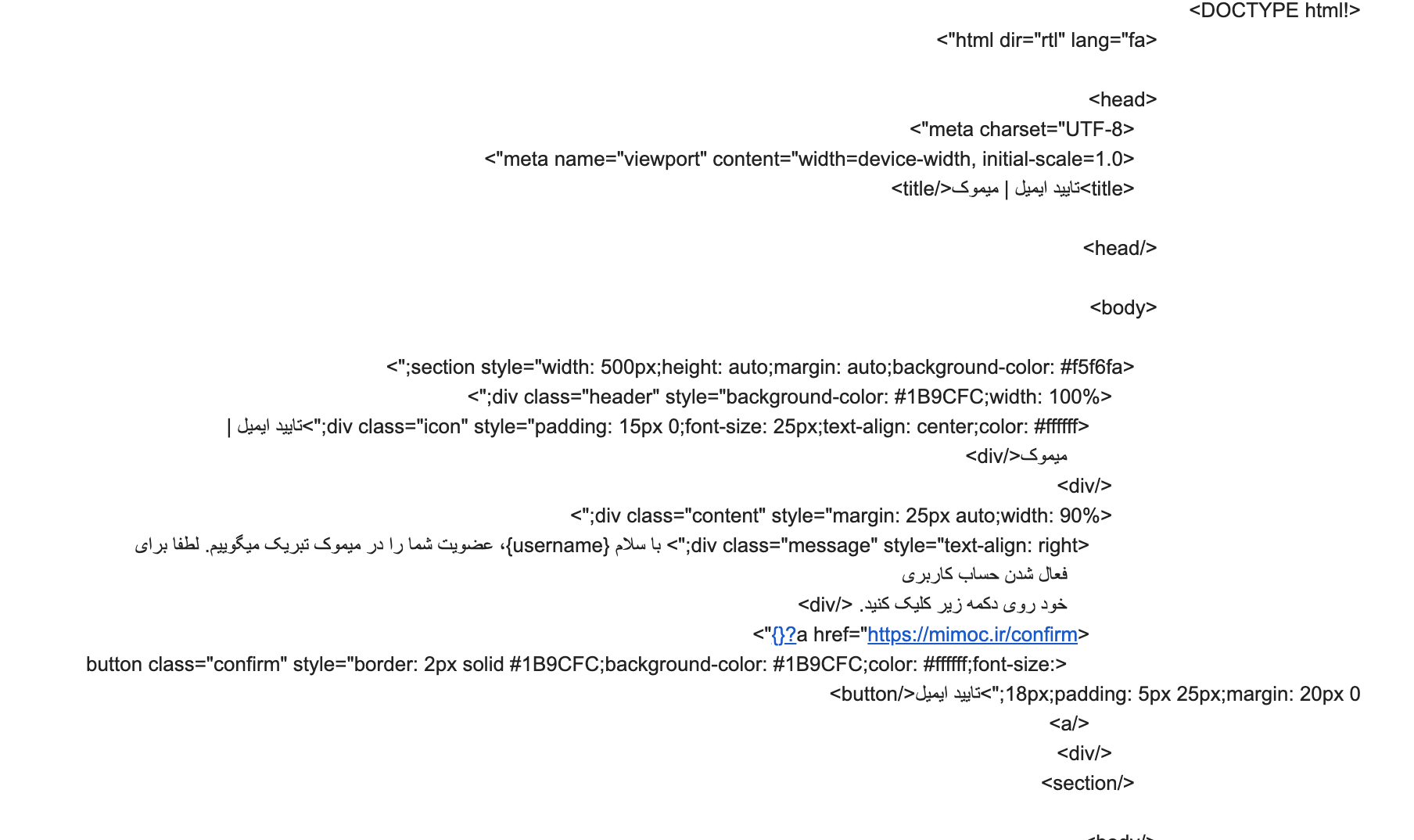
سلام من یک خطایی برام پیش اومده نمیدونم چرا ایمیل هایی که برای تایید ایمیل میشود فقط به صورت تگ ارسال میشن و اصلا HTML و CSS اجرا نمیشن این کدی هست که قراره برای تایید ایمیل به ایمیل کاربر ارسال بشه.
                                        $confirm_page = "<!DOCTYPE html>
                                    <html dir='rtl' lang='fa'>

                                    <head>
                                        <meta charset='UTF-8'>
                                        <meta name='viewport' content='width=device-width, initial-scale=1.0'>
                                        <title>تایید ایمیل | میموک</title>

                                    </head>

                                    <body>

                                        <section style='width: 500px;height: auto;margin: auto;background-color: #f5f6fa;'>
                                            <div class='header' style='background-color: #1B9CFC;width: 100%;'>
                                                <div class='icon' style='padding: 15px 0;font-size: 25px;text-align: center;color: #ffffff;'>تایید ایمیل |
                                                    میموک</div>
                                            </div>
                                            <div class='content' style='margin: 25px auto;width: 90%;'>
                                                <div class='message' style='text-align: right;'> با سلام {$username_filter}، عضویت شما را در میموک تبریک میگوییم. لطفا برای
                                                    فعال شدن حساب کاربری
                                                    خود روی دکمه زیر کلیک کنید. </div>
                                                <a href='https://mimoc.ir/confirm?$username_hash'>
                                                    <button class='confirm' style='border: 2px solid #1B9CFC;background-color: #1B9CFC;color: #ffffff;font-size: 18px;padding: 5px 25px;margin: 20px 0;'>تایید ایمیل</button>
                                                </a>
                                            </div>
                                        </section>

                                    </body>

                                    </html>";

                                        mail($email_ok, "Mimoc | Email Verification", $confirm_page);
این نتیجه ای است که برای من داخل GMAIL ارسال میشه:
</body></html>
پاسخها
5
@alirezatahriri
اول کد های HTML رو توی یه فایل blade بریز و بعد اونو ارسال کن . اینجوری که شما نوشتی ایمیل به صورت text ارسال می شه . باید بگی که ایمیل به صورت HTML ارسال بشه


سلام ارسال ایمیل به صورت HTML کامل درست کار میکنه فقط نمیتونم عکس و فونت برای ایمیل اضافه کنم، لطفا کمک کنید.
<html dir="rtl" lang="fa" style="font-family: YEKAN-BAKH">

<head>
    <meta charset="UTF-8">
    <meta name="viewport" content="width=device-width, initial-scale=1.0">
    <title>تایید ایمیل | میموک</title>
    <link rel="stylesheet" href="https://mimoc.ir/app/mail/css/master.css">
</head>

<body>

    <section class="container" style="width: 500px;height: auto;margin: auto;">
        <div class="header" style="width: 100%;height: auto;padding: 15px 15px;font-size: 25px;color: #ffffff;background-color: #0d3d63;">
            <div class="title" style="width: 95%;margin: auto;">تایید ایمیل | میموک</div>
        </div>
        <div class="background" style="width: 100%;height: 250px;padding: 10px 15px;background-size: cover;background-position: center;background-image: url('../../../public/images/mail/background-1.jpg');"></div>
        <div class="content" style="width: 100%;height: auto;padding: 25px 15px;background-color: #f1f2f6;">
            <div class="text" style="width: 95%;margin: auto;">
                سلام {username} عزیز، لطفا برای فعال سازی حساب کاربری خود روی دکمه زیر کلیک کنید. در صورتی که این کار توسط شما انجام نشده است لطفا به پشتیبانی میموک اطلاع دهید.
            </div>
            <a class="button" href="https://mimoc.ir/confirm_code?{code}" style="width: 150px;height: auto;display: block;font-size: 20px;margin-top: 25px;margin-bottom: 15px;color: #ffffff;text-decoration: none;text-align: center;padding: 7px 15px;background-color: #0d3d63;border-radius: 100px;">تایید ایمیل</a>
        </div>
        <div class="support" style="width: 100%;padding: 15px 15px;color: #ffffff;background-color: #0d3d63;">
            پشتیبانی: ir.mimoc@gmail.com
        </div>
    </section>

</body>

</html>
و فایل css
/* Font */

@font-face {
    font-family: "YEKAN-BAKH";
    src: url('https://mimoc.ir/public/fonts/Yekan-Bakh/Yekan_Bakh_Regular.ttf') format("truetype");
}

/* Css */

html, body {
    font-size: 19px;
    font-family: "YEKAN-BAKH";
}

.container {
    width: 500px;
    height: auto;
    margin: auto;
}

.header {
    width: 100%;
    height: auto;
    padding: 15px 15px;
    font-size: 25px;
    color: #ffffff;
    background-color: #0d3d63;
}

.title {
    width: 95%;
    margin: auto;
}

.background {
    width: 100%;
    height: 250px;
    padding: 10px 15px;
    background-size: cover;
    background-position: center;
    background-image: url("https://mimoc.ir/public/images/mail/background-1.jpg");
}

.content {
    width: 100%;
    height: auto;
    padding: 25px 15px;
    background-color: #f1f2f6;
}

.text {
    width: 95%;
    margin: auto;
}

.button {
    width: 150px;
    height: auto;
    display: block;
    font-size: 20px;
    margin-top: 25px;
    margin-bottom: 15px;
    color: #ffffff;
    text-decoration: none;
    text-align: center;
    padding: 7px 15px;
    background-color: #0d3d63;
    border-radius: 100px;
}

.support {
    width: 100%;
    padding: 15px 15px;
    color: #ffffff;
    background-color: #0d3d63;
}گفتگوهای مرتبط
شاید پاسخ شما همینجا باشد
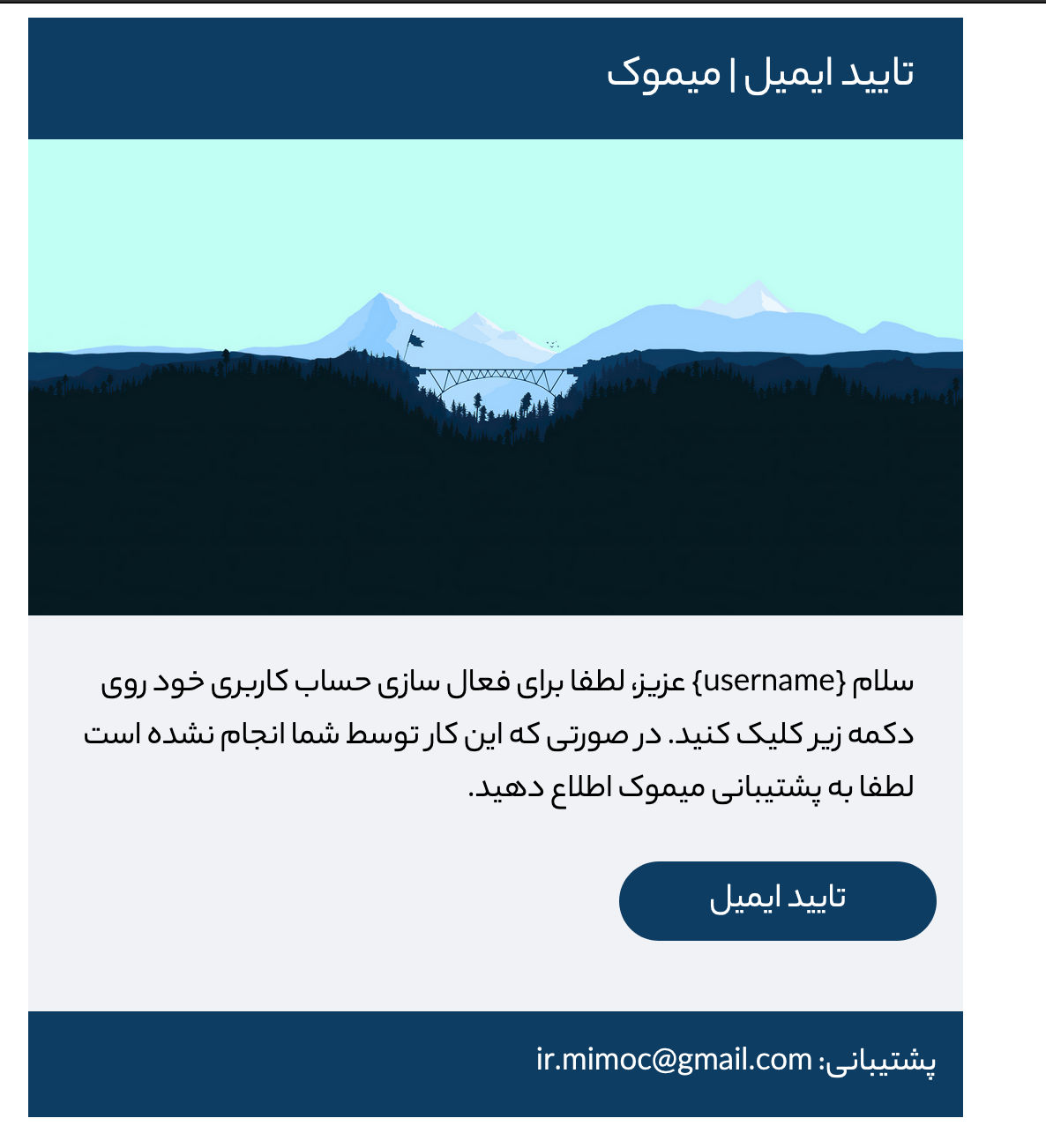
قراره به این شکل اجرا بشه:
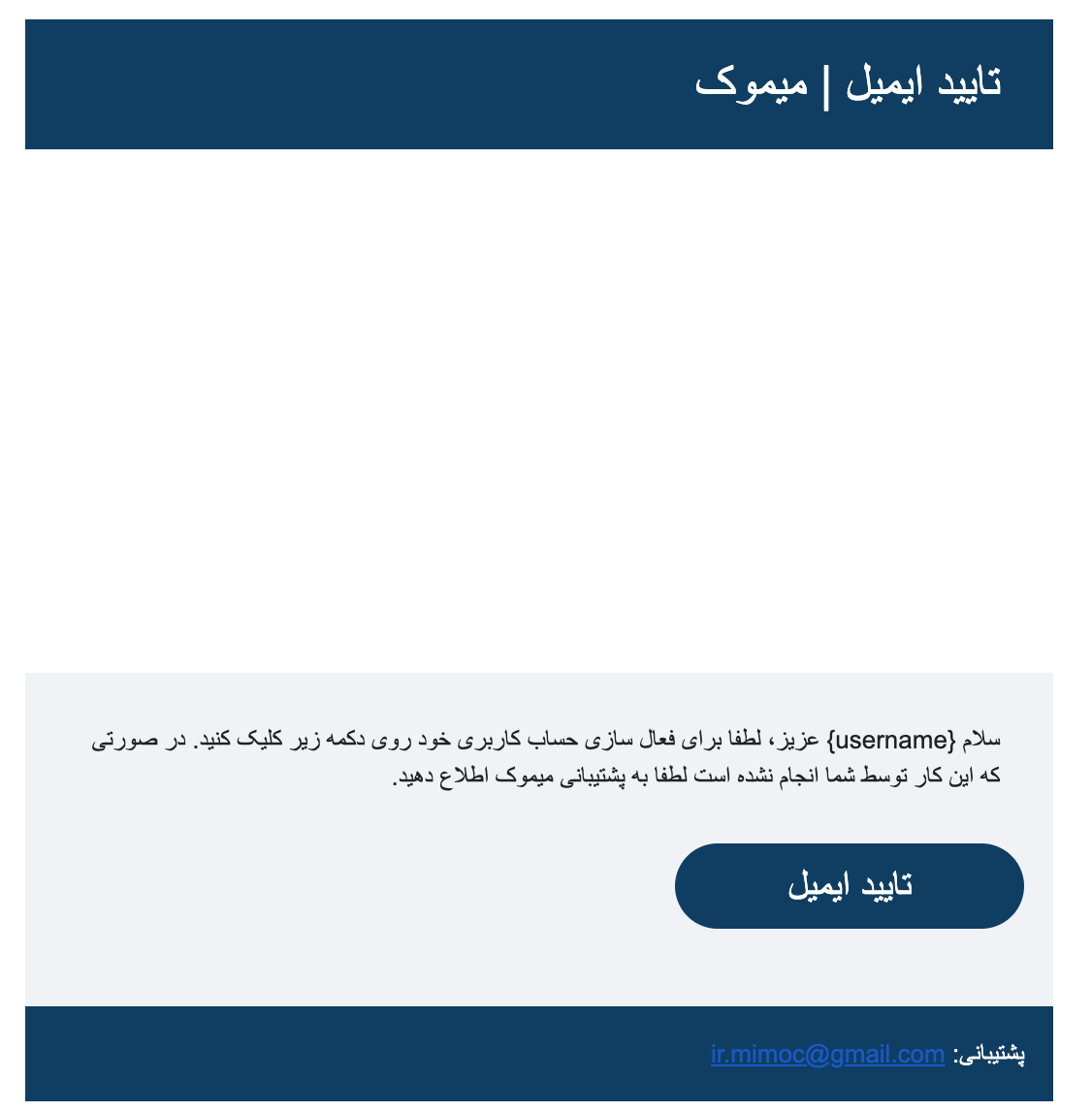
ولی تو ایمیل اینطوری اجرا میشه:

سلام
لطفا کد ارسال ایمیلتون در controller هم قرار بدید
از چه روشی استفاده می کنید ؟
سلام @saman1111 با laravel ننوشتم این کد با PHP هست تا الان مشکلش رفع شده گفتم که کلا با فونت tahoma ارسال کنه.
نتونستم از فونت yekan bakh اسفاده کنم.